

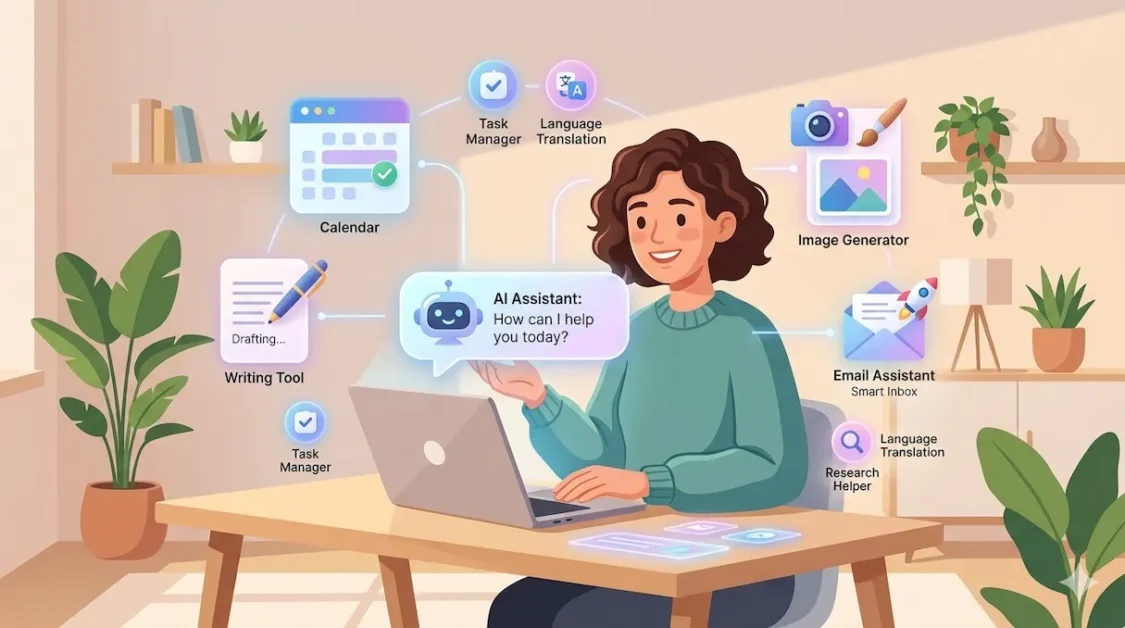
“You don’t need to know how to code, build a chatbot, or understand machine learning to start using AI today. You just need the right AI Tools — and this guide will show you exactly which ones to try first.”
If you’ve been hearing the word “AI Tools” everywhere and secretly wondering whether it’s only for engineers and tech wizards — you’re not alone. Millions of everyday people are in the same boat. But here’s the truth: the best AI tools for non-tech people require zero coding, zero setup, and zero prior experience.
In this guide, you’ll discover the top beginner-friendly AI Tools across writing, design, productivity, and social media. We’ve tested each tool so you know exactly what they do, who they’re for, and how to start — even if you’ve never touched a line of code in your life.
Table of Contents
What Are AI Tools and Why Should Non-Tech People Care?
AI tools are software programs powered by artificial intelligence — meaning they can learn, adapt, and do tasks that normally take human thinking. Things like writing an email, editing a photo, summarizing a long document, or even scheduling your week.
Quick Answer: AI tools for non-tech people are easy-to-use apps that use artificial intelligence to help with everyday tasks like writing, design, organization, and communication — no technical skills required.
What’s changed in 2026 is that most AI tools now look and feel like regular apps. You don’t talk to complicated software — you just type what you need in plain English and the tool does it for you. Think of it as having a smart assistant available 24/7 who never gets tired and never judges your typos.
Whether you’re a stay-at-home parent, a small business owner, a freelancer, or a student — AI tools can genuinely save you hours every week. And most of them are either free or surprisingly affordable.
Best AI Writing Tools for Non-Tech Users
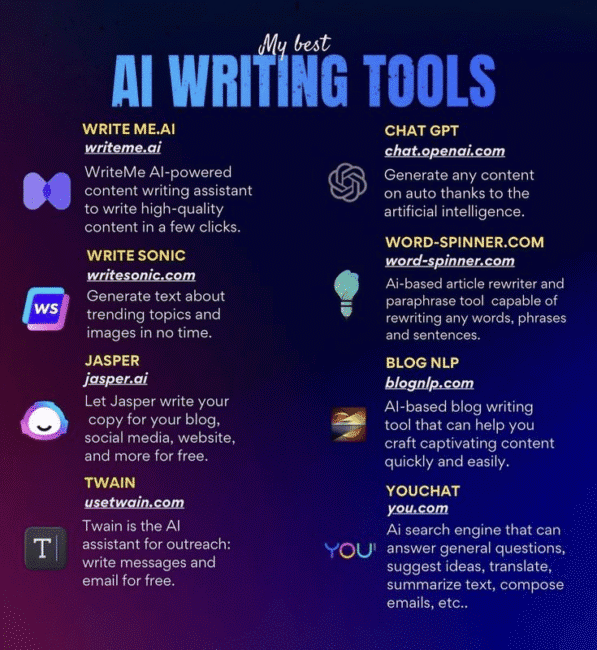
Writing is where most beginners start with AI — and for good reason. These tools can help you draft emails, blogposts, social captions, product descriptions, and more in seconds.
ChatGPT — The One Everyone’s Talking About
ChatGPT by OpenAI is the tool that introduced most people to AI. You type a request in plain language — “write me a thank-you email to a client” or “give me 5 recipe ideas using chicken and spinach” — and it responds instantly. The free version is powerful enough for most everyday tasks, while the paid plan adds faster responses and image generation.
Claude — Great for Long-Form Writing and Analysis
Claude, made by Anthropic, is especially good at writing longer, more nuanced content — think full blog posts, detailed summaries, or thoughtful analysis. Many users find its responses feel more natural and conversational than other AI writing tools. If you’re working on something where tone and clarity really matter, Claude is worth trying.
Grammarly — AI That Makes You Sound Smarter
Grammarly is a writing assistant that doesn’t just fix grammar — it suggests clearer phrasing, flags tone issues, and now includes an AI-powered rewriting feature. It works directly inside Gmail, Google Docs, and most web browsers, so there’s no extra window to open. Perfect if you want your emails and documents to sound polished and professional every time.
AI Image and Design Tools — No Art Skills Required
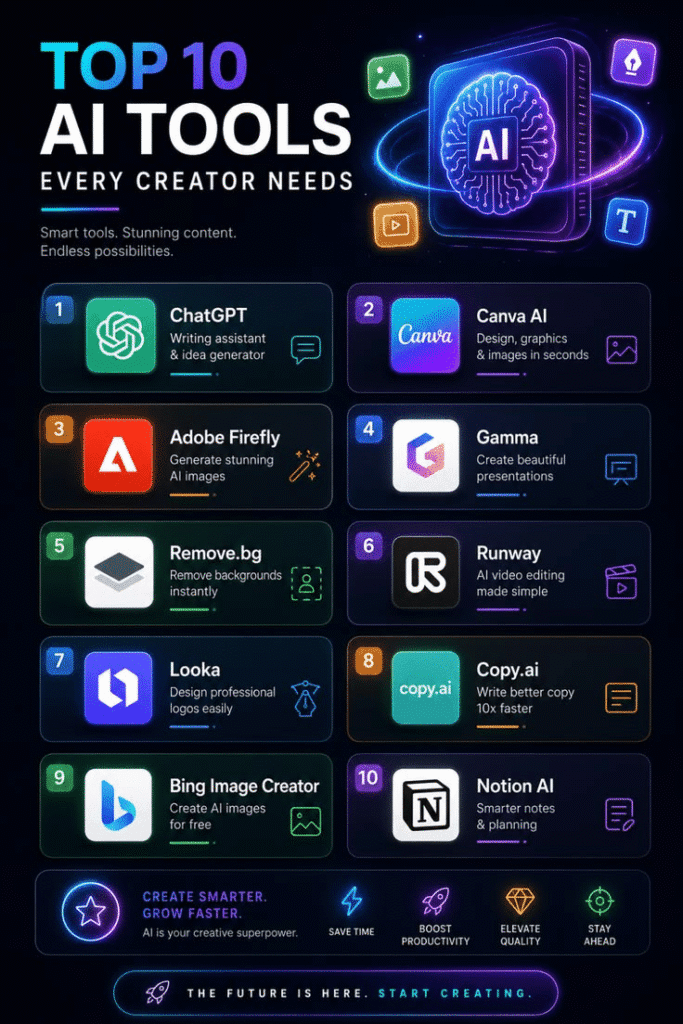
You don’t need Photoshop experience or a design degree to create beautiful visuals anymore. These AI design tools for beginners do the heavy lifting for you.
Canva AI — Design Made Foolproof
Canva has long been the go-to design tool for non-designers, and its AI features have taken it even further. You can now generate images from a text description, instantly resize designs for different platforms, remove image backgrounds with one click, and use “Magic Write” to generate text content right inside your designs. If you’re creating anything visual — social posts, flyers, presentations — start here.
Microsoft Designer — Free and Surprisingly Powerful
If you have a Microsoft or Outlook account, you already have access to Microsoft Designer — a free AI image and graphic tool that generates professional-looking designs from a simple text prompt. It’s particularly good for social media graphics, digital invitations, and eye-catching thumbnails. No prior design experience needed whatsoever.
AI Productivity Tools to Save You Hours Every Week
These are the AI tools for everyday use that quietly become indispensable once you start relying on them. From organizing your notes to transcribing meetings, they take repetitive tasks off your plate entirely.
Notion AI — Your Second Brain, Upgraded
Notion is a popular note-taking and project management app. Its AI feature lets you ask questions about your own notes, auto-summarize long documents, generate action items from meeting notes, and write content directly inside your workspace. If you already use Notion, the AI upgrade is a no-brainer. If you don’t, now is a great time to start.
Otter.ai — Never Take Meeting Notes Again
Otter.ai records your meetings — on Zoom, Google Meet, or in person — and automatically transcribes and summarizes them. You get a searchable transcript, a brief summary, and highlighted action items without typing a single word. If you sit in meetings regularly, this tool alone can save you 30–60 minutes a week.
Pro Tip: Start with just one AI tool. Choose one area of your life where you feel most overwhelmed — writing, design, or meetings — and master one tool there before adding more. The goal is to reduce stress, not create new learning curves.
AI Tools for Social Media and Content Creation
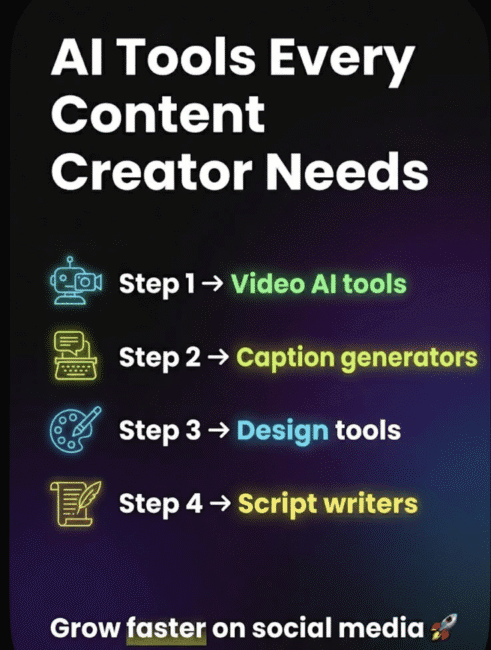
Running a social media page, blog, or small business online means creating a lot of content. These AI tools help you generate ideas, write captions, and plan posts without burning out.
Buffer AI Assistant — Plan Posts in Minutes
Buffer is a social media scheduling tool with a built-in AI assistant that helps you write post captions, adapt your content for different platforms, and brainstorm new content ideas. You can plan a whole week of posts in under an hour. It connects with Instagram, Facebook, LinkedIn, X (Twitter), and more.
Jasper — AI Writing Trained for Marketing
Jasper is specifically built for marketing content — ad copy, product descriptions, email campaigns, and blog posts. It’s more purpose-built than general AI tools, which means the output often needs less editing when you’re writing for customers. It’s a paid tool, but the quality is consistently high for business use cases.
How to Start Using AI Tools Without Getting Overwhelmed
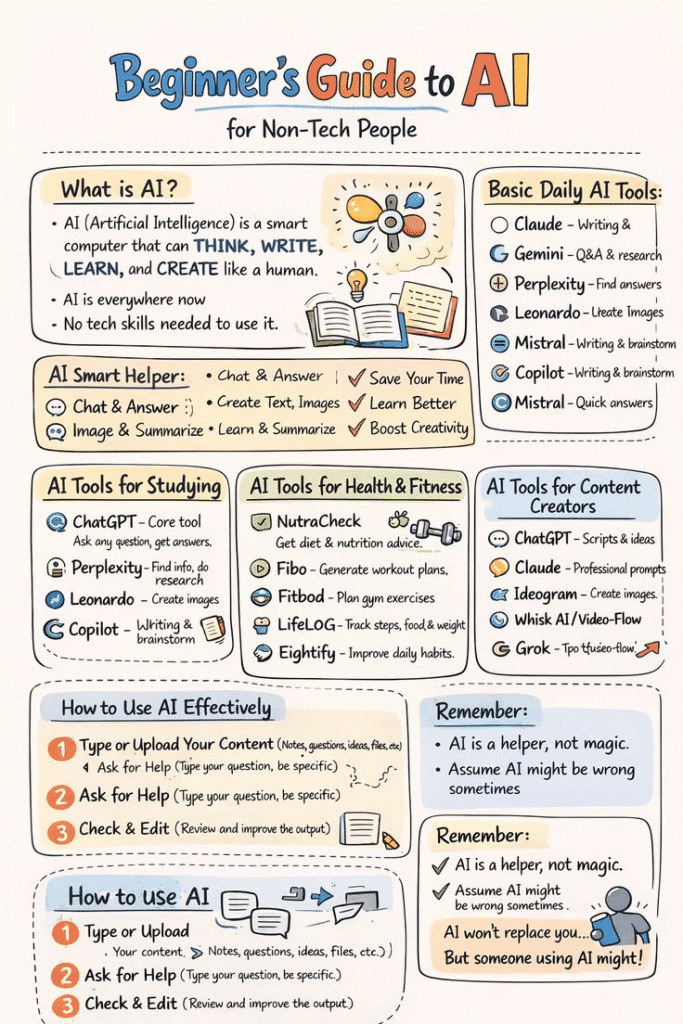
The number of AI tools available in 2026 can itself feel overwhelming. Here’s a simple, step-by-step approach to getting started as a complete beginner:
1. Pick one problem to solve first. Don’t try five tools at once. Choose the task that takes the most time out of your week — writing, designing, or organizing — and focus there.
2. Start with a free plan. Every tool on this list has a free tier. Test before you pay for anything.
3. Ask in plain English. Most AI tools respond to natural language. Type the way you’d explain something to a friend — the AI will understand.
4. Edit before you publish. AI tools produce great drafts, but always read through the output and add your personal touch. Your voice matters.
5. Build one habit at a time. Once you’re comfortable with one tool, add another. Within a month, you’ll have a small personal AI workflow that feels effortless.
—
Are AI Tools Safe for Non-Technical Users?
This is a fair question and one most beginners have but don’t always ask out loud. The short answer is: yes, most AI tools are safe for everyday use — but there are a few sensible precautions to keep in mind.
Don’t share highly sensitive personal information (like your bank details, passwords, or private medical data) inside any AI tool. Even reputable platforms aren’t the right place for that kind of information. For everything else — drafting content, brainstorming ideas, generating images, summarizing articles — these tools are built for everyday use and are regularly audited for safety and privacy.
Stick to well-known, established platforms (like the ones listed above) rather than random new tools that seem too good to be true. When in doubt, check the company’s privacy policy to understand how your data is used.
FAQs
Q: What is the easiest AI tool for a complete beginner?
ChatGPT and Canva AI are consistently the easiest entry points for beginners. Both have intuitive interfaces, require no setup beyond creating an account, and deliver useful results immediately. Start with one based on whether you need help with writing or design.
Q: Are there free AI tools for non-tech people?
Yes — most of the best AI tools for everyday use offer solid free plans. ChatGPT, Claude, Canva AI, Grammarly, Otter.ai, and Buffer all have free tiers that are useful for personal or small-scale use. You can accomplish a great deal without spending a penny.
Q: Do I need to know coding to use AI tools?
Absolutely not. The AI tools covered in this guide are designed specifically for people without technical backgrounds. You interact with them in plain, everyday language — no code, no setup, no technical knowledge required at any step.
Q: Can AI tools replace human creativity?
AI tools are best thought of as creative assistants rather than replacements. They’re excellent at generating first drafts, suggesting ideas, and handling repetitive tasks — but the final judgment, personal voice, and creative direction still come from you. Think of them as a capable helper, not a substitute for human thinking.
Q: Which AI tool is best for small business owners who aren’t tech-savvy?
For small business owners, Canva AI (for design and social media), ChatGPT (for writing and customer communication), and Otter.ai (for meeting transcription) are the strongest trio to start with. Between these three, you can handle most of your content, visual, and communication needs without hiring a specialist.
Final Thoughts
AI tools have genuinely leveled the playing field. Things that used to require expensive professionals — graphic design, professional writing, data organization — are now accessible to anyone willing to spend ten minutes exploring a free app.
The best AI tools for non-tech people in 2026 aren’t about being clever or technical. They’re about making your daily life a little easier, your work a little faster, and your output a little better. Start small, stay curious, and don’t be afraid to experiment.
Pick one tool from this list today and give it a try. You might be surprised how quickly it feels natural — and how much time you get back.


Wow 💋