


Discover how AI + productivity for students really works in 2026 — the best AI study tools, note-taking apps, and time-saving habits that boost grades without the shortcuts that get you in trouble.
Table of Contents
AI + Productivity for Students: The 2026 Guide to Studying Smarter, Not Harder
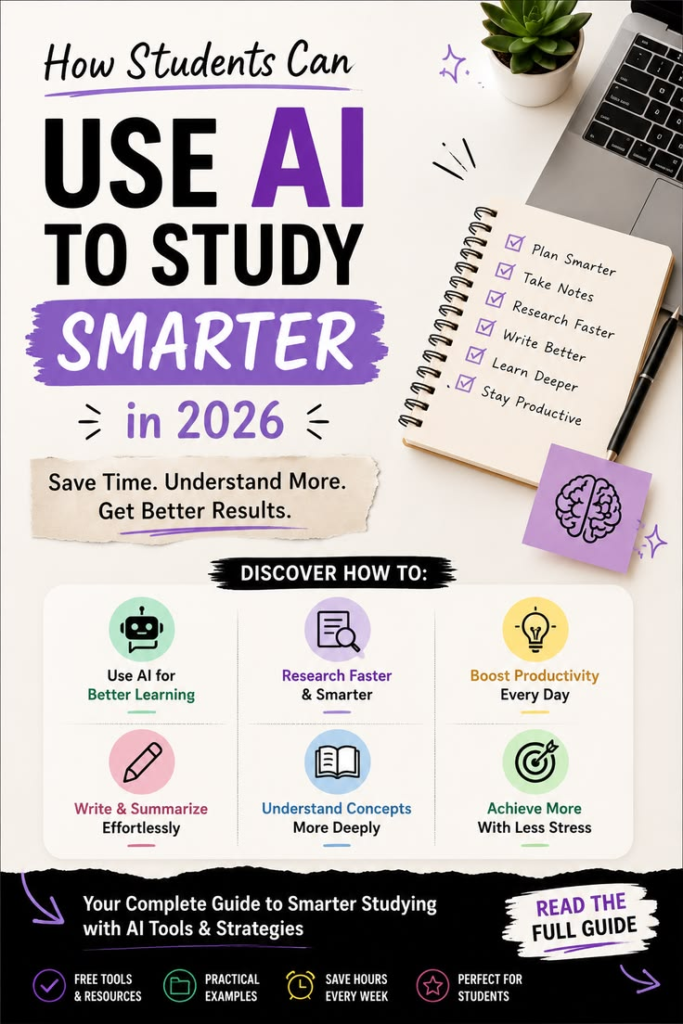
Somewhere between an overflowing inbox, three group projects, and a reading list that never seems to shrink, most students hit the same wall: there just aren’t enough hours in the day. That’s exactly where AI + productivity for students has quietly become one of the most useful — and most misunderstood — trends in education.
Used well, AI can cut hours off your study time, help you organize scattered notes into something actually usable, and take the busywork out of research. Used badly, it can turn into a crutch that leaves you with weaker skills and a professor asking uncomfortable questions. The difference isn’t the tool. It’s how you use it.
In this guide, we’ll walk through the best AI productivity apps for students in 2026, honest answers about whether using AI for homework counts as cheating, the AI study tools worth your time, and a few underrated habits that make the biggest difference. By the end, you’ll have a clear, practical picture of how AI + productivity for students can genuinely work in your favor — without the shortcuts that backfire.
Why AI + Productivity for Students Looks Different in 2026

A few years ago, “using AI to study” mostly meant asking a chatbot to summarize a textbook chapter. That’s changed a lot. AI tools built specifically for students now handle scheduling, flashcard generation, citation formatting, and even reading comprehension checks — all without requiring any technical skill to use.
What’s driving this shift is simple: schools and universities have started teaching with AI rather than just banning it. Professors increasingly expect students to know how to use these tools responsibly, the same way they once expected basic spreadsheet skills. That’s why understanding AI + productivity for students isn’t just a nice-to-have anymore — it’s becoming part of how modern education actually works.
The key mindset shift: AI tools work best as a productivity layer around your studying, not a replacement for the thinking part. The moment you let AI do the thinking for you, the productivity gain disappears — because you still have to learn the material for the exam.
Best AI Productivity Apps for Students in 2026
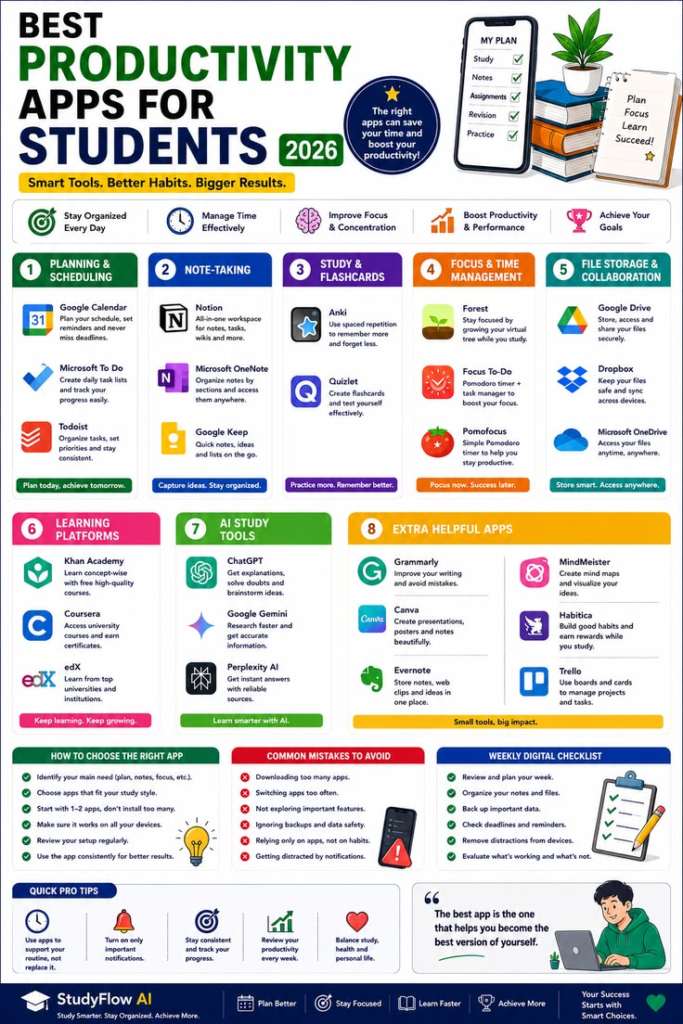
Here are the categories worth exploring first, based on where students genuinely lose the most time.
AI Note-Taking Apps
AI note-taking apps for students can record a lecture, transcribe it in real time, and automatically organize it into a clean summary with key points highlighted. Instead of frantically writing while trying to actually listen, you can stay present in class and review a polished, searchable summary afterward. Many of these apps also let you ask questions directly about your own notes later — essentially turning your class recordings into a personal study assistant.
AI Flashcard and Quiz Generators
Rather than manually building flashcards from a textbook chapter, AI tools can generate a full quiz set from your notes or reading material in minutes. This is one of the clearest examples of AI productivity apps that save time — the tool does the tedious formatting work, while you still do the actual studying and recall practice.
AI Scheduling and Task Managers
Juggling assignment deadlines, class times, and part-time work is its own full-time job. AI-powered planners can look at your deadlines and workload and suggest a realistic study schedule, then adjust automatically when something shifts — a class gets cancelled, an assignment moves, or you fall behind by a day.
AI Research and Citation Tools
Searching through academic databases and formatting citations correctly used to eat hours. AI research tools for students can now summarize academic papers, pull relevant quotes, and auto-generate citations in the correct format, cutting research time significantly while still requiring you to read and verify the sources yourself.
Is Using AI for Homework Cheating? A Straight Answer
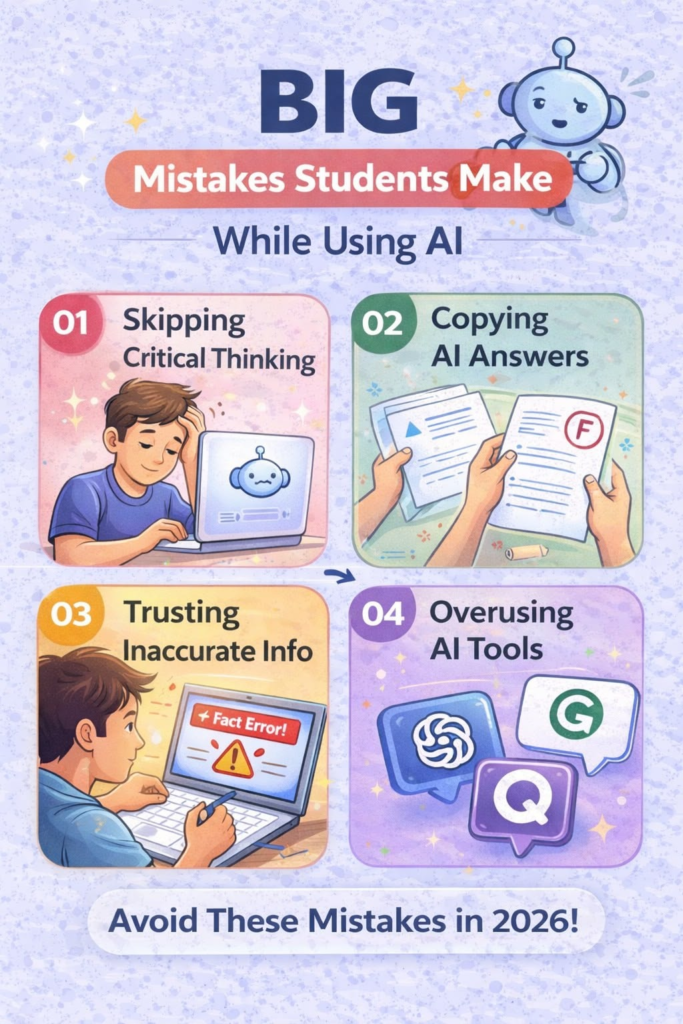
This is the question students ask most, and it deserves an honest answer rather than a vague one: it depends entirely on what the AI is doing versus what you’re doing.
Using AI to explain a confusing concept, organize your notes, quiz yourself, or check your grammar is generally considered a legitimate use of AI + productivity for students — similar to using a calculator or spell-check. These uses support your learning without replacing it.
Using AI to write your essay, solve your homework problems, or generate answers you then submit as your own original work crosses into academic dishonesty at most schools, and increasingly, into territory that AI-detection software is built specifically to catch.
The safest rule of thumb: if the AI produces the final answer and you just copy it, that’s a problem. If the AI helps you get to your own answer faster, that’s productivity. When in doubt, check your school’s specific AI policy — many universities in 2026 now publish clear, subject-specific guidelines rather than a single blanket rule.
AI Study Tools That Actually Improve Learning (Not Just Speed)
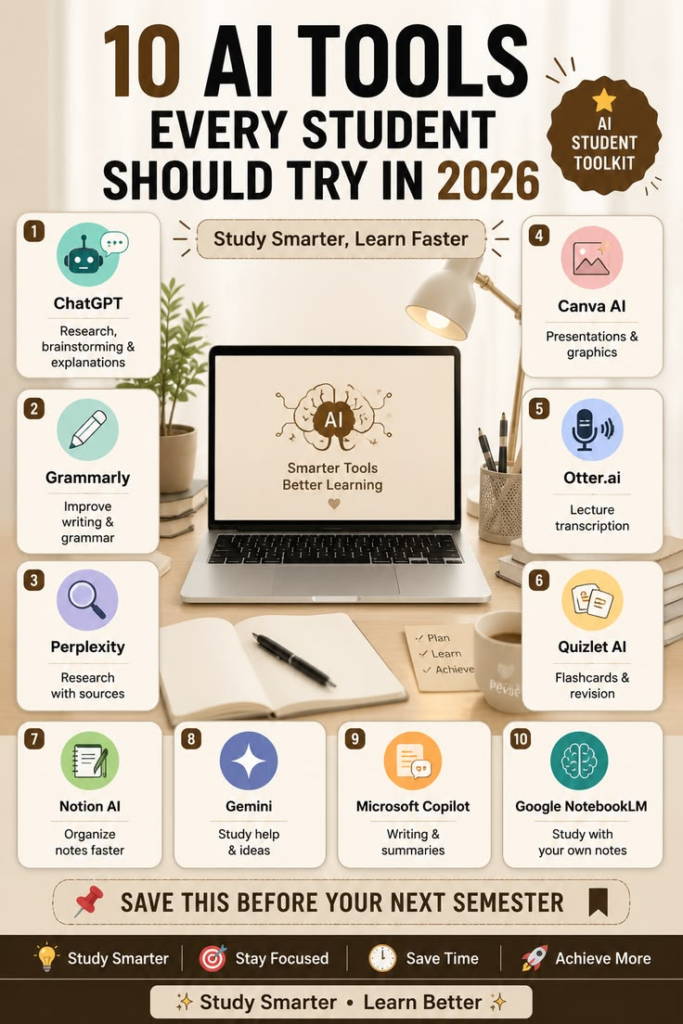
Not every AI study tool is about going faster. Some of the most valuable ones are about learning better.
AI-generated practice questions based on your actual course material help reinforce recall far more effectively than simply re-reading notes.
AI explainers that break down a complex topic in simpler language are especially useful for subjects where the textbook explanation just isn’t clicking.
AI writing feedback tools can point out weak arguments, unclear structure, or grammar issues in a draft — helping you revise your own writing rather than replacing it.
Language learning AI apps use conversational practice and instant correction to build genuine fluency far faster than static vocabulary lists.
The pattern across all of these: the best AI study tools push you to actively engage with material, not passively receive a finished answer.
Underrated AI Productivity Habits Students Overlook

Beyond the apps themselves, a few habits make the biggest real-world difference — and most students never try them.
- Ask AI to quiz you, not summarize for you. Being tested on material is proven to build stronger recall than simply reading a summary of it.
- Use AI to break big assignments into smaller steps. A vague task like “write research paper” becomes far less overwhelming as five concrete steps with rough deadlines.
- Have AI explain a topic like you’re five, then like you’re a graduate student. Comparing both versions often reveals exactly what part of a concept you’re still missing.
- Use voice-to-text AI for brainstorming. Talking through an idea out loud and having it transcribed often unlocks ideas that staring at a blank page doesn’t.
These small habits are where AI + productivity for students really pays off — not in flashy features, but in quietly removing friction from the parts of studying that usually cause the most procrastination.
Common Pitfalls: When AI Hurts Student Productivity Instead of Helping

AI tools aren’t automatically good for productivity — misused, they can actively work against you.
Over-reliance on summaries instead of reading source material can leave gaps in understanding that show up badly on exams, where AI isn’t there to help.
Trusting AI-generated facts without checking them is a real risk — AI tools can produce confident-sounding but incorrect information, especially with niche or very recent topics.
Letting AI write instead of edit weakens your own writing skills over time, which matters far beyond school, since clear writing remains a core skill in almost every career.
Using too many tools at once can create more organizational overhead than it saves — pick two or three AI productivity apps for students that solve your actual biggest time-wasters, rather than trying to run your whole life through five different apps.
How to Choose the Right AI Productivity Tools for Your Study Style
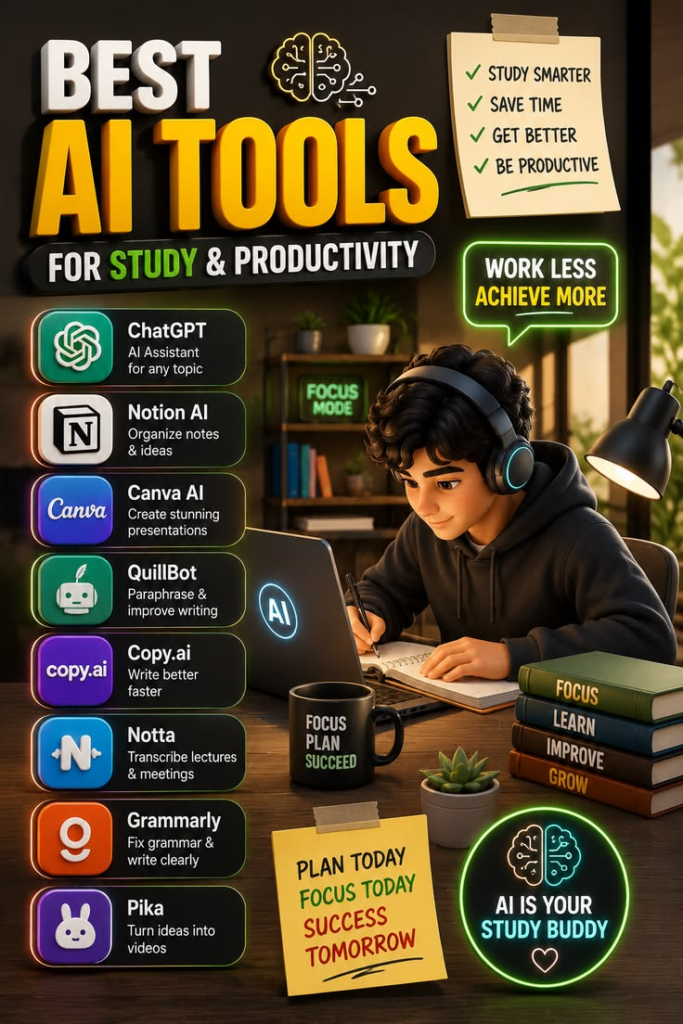
Not every student needs the same setup. Before downloading anything, ask yourself:
- Where do I actually lose the most time? Note-taking, research, scheduling, and writing all have different best-fit tools.
- Does my school allow this tool for this purpose? Check your syllabus or academic integrity policy before relying on any AI tool for graded work.
- Am I using this to skip a step, or to do that step better? This single question filters out most of the tools that won’t actually help you long-term.
- Is there a free tier that covers what I need? Many strong AI productivity apps for students offer generous free plans, especially for note-taking and flashcards — no need to pay before you know a tool fits your workflow.
Frequently Asked Questions
What are the best AI productivity apps for students in 2026?
The most useful categories are AI note-taking apps, flashcard and quiz generators, AI-powered schedule planners, and research/citation tools. Together, these cover the biggest time drains in a typical student’s week: notes, memorization, planning, and research.
Is using AI for homework considered cheating?
It depends on the task. Using AI to explain concepts, organize notes, or check your own work is generally acceptable. Submitting AI-generated answers or essays as your own original work is considered academic dishonesty at most schools and can be flagged by AI-detection tools.
Can AI really help students save time without hurting their grades?
Yes, when it’s used to support learning rather than replace it. AI tools that quiz you, summarize your own notes, or help organize your schedule tend to improve both time management and understanding, while tools that generate finished answers for you to submit tend to hurt long-term learning.
What’s the difference between AI study tools and just using a chatbot?
General chatbots can answer questions, but dedicated AI study tools are built specifically for students — automatically formatting citations, generating quizzes from your own notes, or transcribing lectures — which saves considerably more time than manually prompting a general chatbot for each task.
Do I need to pay for AI productivity tools as a student?
Not necessarily. Many AI note-taking, flashcard, and scheduling tools offer free tiers that cover most student needs, and some platforms offer discounted or free premium access with a valid student email address.
Final Thoughts: Let AI Handle the Busywork, Not the Learning
The real promise of AI + productivity for students isn’t about doing less work — it’s about spending your time on the parts of learning that actually matter, while AI clears away the repetitive, tedious parts around it. Organizing notes, building a study schedule, formatting citations — that’s exactly the kind of busywork AI should be handling. The thinking, the writing, the actual understanding? That part still has to be yours.
Ready to build your own AI-powered study routine? Start with just one tool this week — a note-taking app or a flashcard generator — and see how much time it frees up before adding anything else to your workflow.

